
















DISCOVER
ToolsForUse keeps local discovery focused on real listings, photos, tool details, and app-based rental actions.
ToolsForUse by KB Appworks
ToolsForUse is a mobile app for peer-to-peer tool rental. Find nearby equipment for your next project, or list tools you own so local renters can request them through the app.
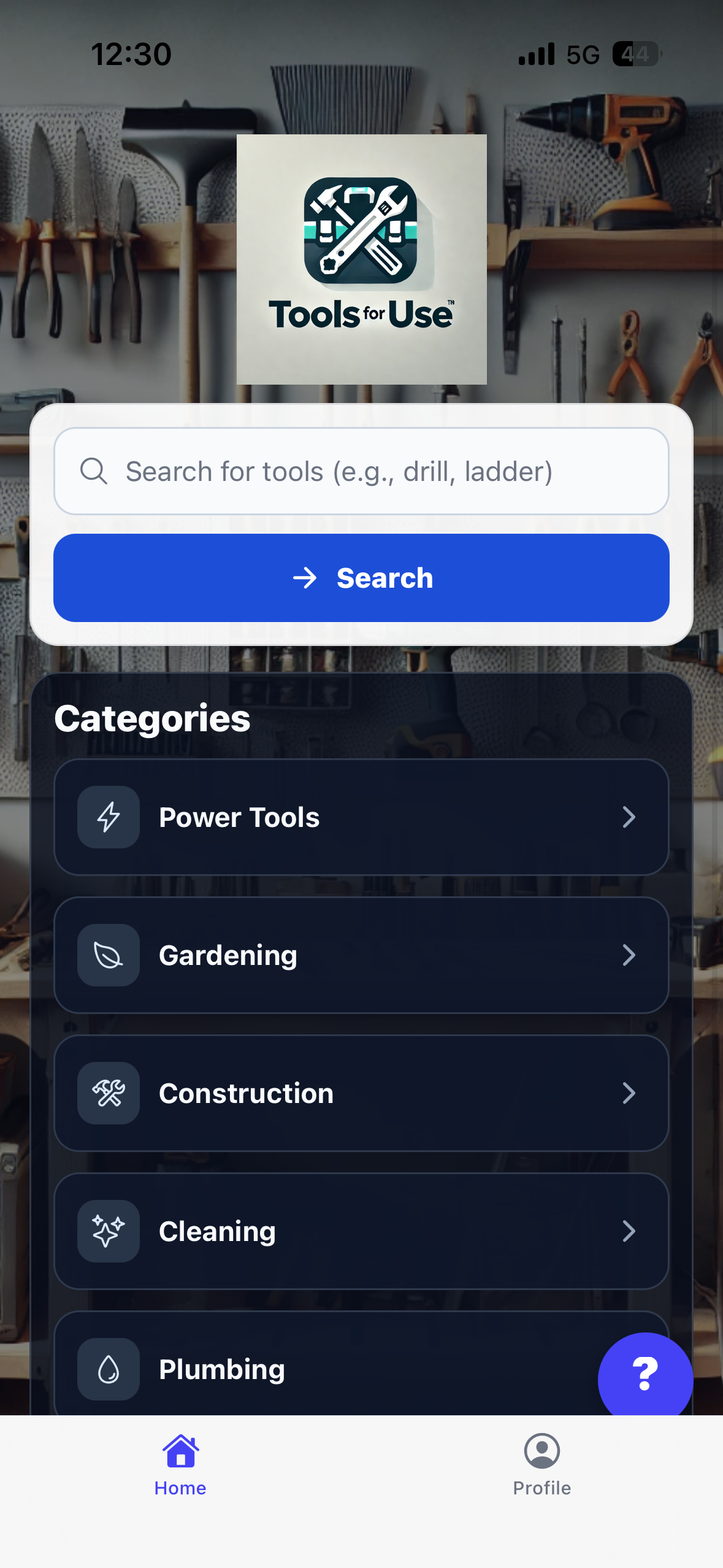
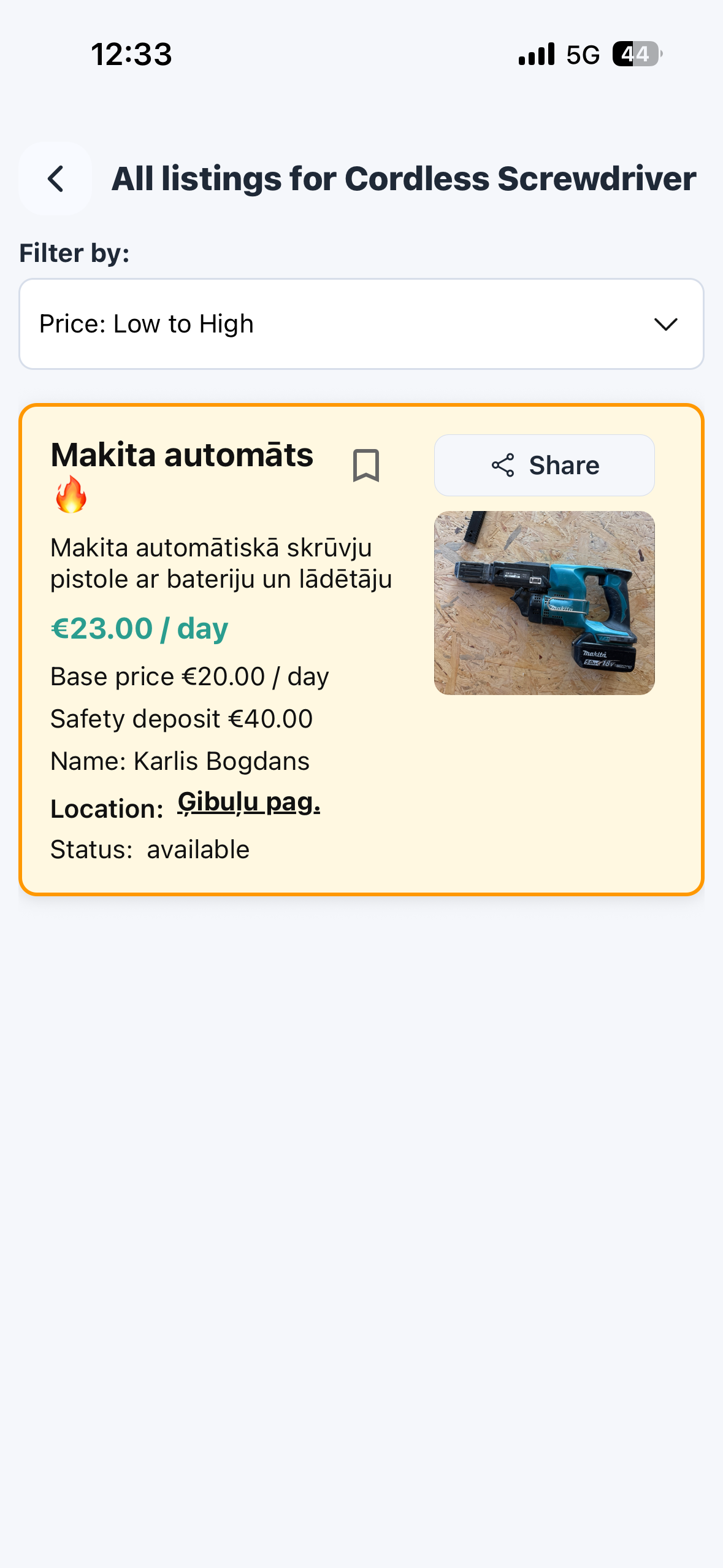
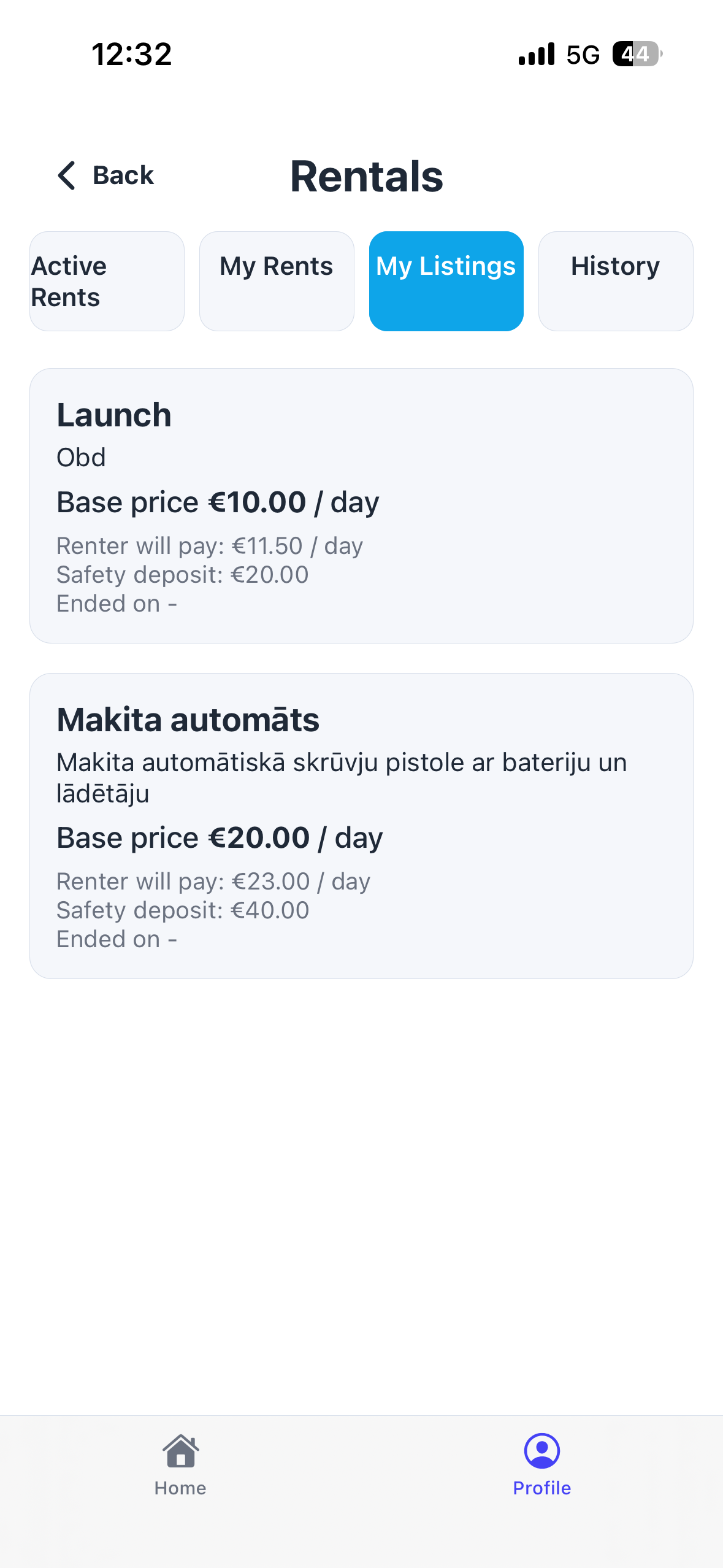
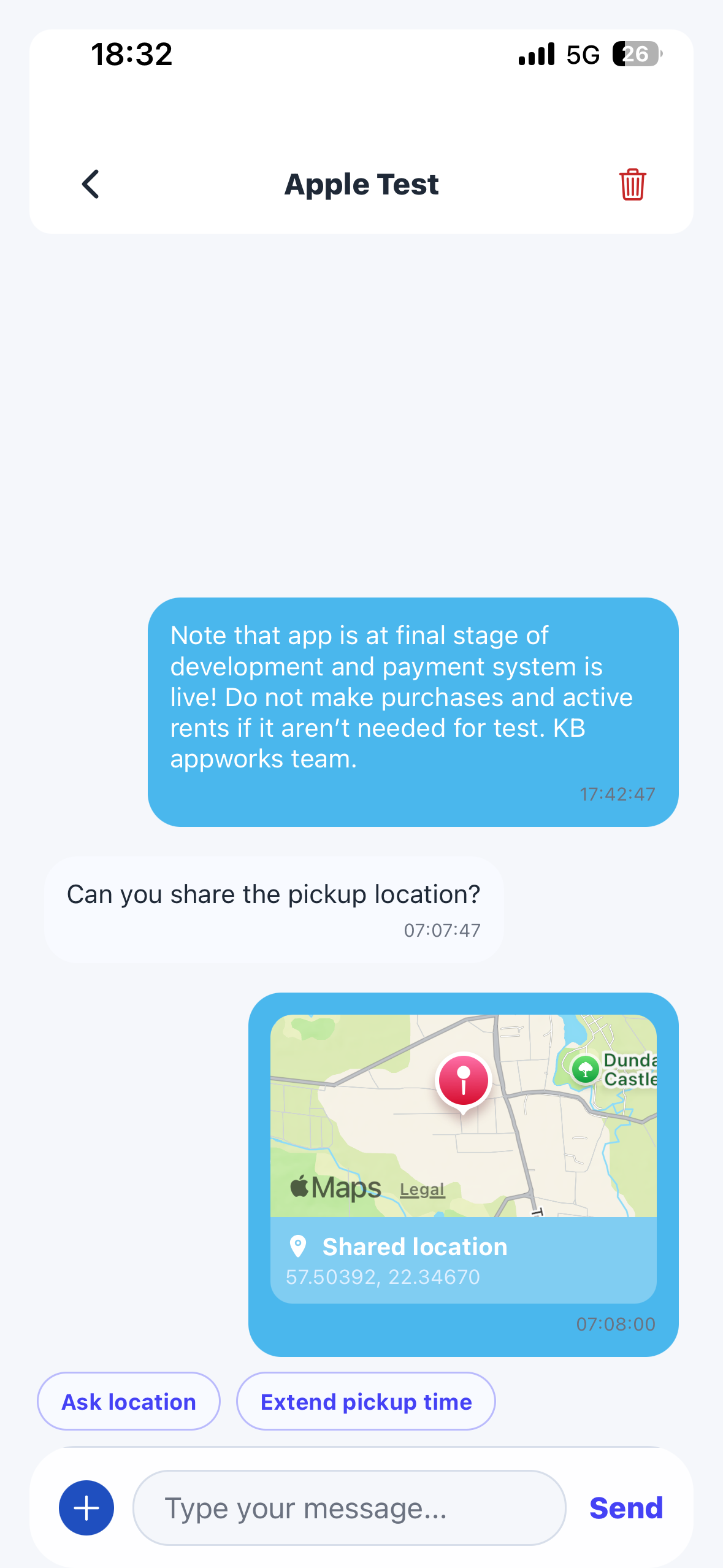
ToolsForUse keeps local discovery focused on real listings, photos, tool details, and app-based rental actions.
Owners and renters can review details, coordinate timing, and keep the rental context easier to reference.
Messaging supports clearer rental coordination and gives support more context if something needs review.
Rental prices, deposits or holds where applicable, messages, and completion details are handled in the mobile app.
ToolsForUse
ToolsForUse
Useful ideas for your next project and the tools it needs.
How ToolsForUse works
Browse local tools in the mobile app and compare the details before you request anything.
Send a rental request in ToolsForUse and keep the booking flow inside the app.
Review price details before confirming. Rental payments and deposits or holds may apply.
Return the tool, complete the rental, and keep records available for support if needed.
01
02
ToolsForUse safety
ToolsForUse is designed to keep local tool rentals more accountable by keeping discovery, requests, communication, payments, and support paths inside the app.
Review listing details, request the rental in the app, and keep important rental steps in one place.
Profiles, rental records, messages, and support history help provide context if an issue needs review.
Payments are handled through secure payment services. Rental payments, deposits, or holds may apply depending on the rental.
Use in-app messages for rental coordination so important details are easier to reference later.
For bugs, open ToolsForUse and go to Profile -> Settings -> Bug report. You can also contact KB Appworks by email.
Check tool condition, take photos when useful, and do not proceed if a rental feels unclear or unsafe.
Payments
ToolsForUse keeps rental payment steps in the mobile app so users can review rental details before confirming.
Payments are handled through secure payment services. KB Appworks does not directly store sensitive card details on its own servers.
A rental may include a rental price and, where relevant, a deposit or payment hold. The exact details should be reviewed before confirming.
Users should check price, dates, deposit information, and rental conditions in the app before submitting or accepting a rental.
If something goes wrong, use the app records, photos, and messages to provide context for support or admin review.
Verification
Some ToolsForUse actions may require account, identity, or payment verification. These checks support safer rentals for owners and renters.
Verification may be requested before listing tools, renting, payment activity, or other account-sensitive actions.
Keeping accounts accountable makes it easier to protect users and review issues when support is needed.
Identity and payment verification can reduce uncertainty between people who are sharing valuable tools locally.
Disputes
ToolsForUse may use rental details, messages, photos, and support/admin review to understand issues. The goal is a neutral review based on available information.
Contact →Take clear photos or screenshots, note dates and times, and keep relevant app messages available.
Use ToolsForUse messages when possible so rental details and agreements are easier to review.
If you need help, contact KB Appworks or use the app support paths. Include concise evidence and the rental context.
Support or admin review may be used for some issues. Wording, timing, photos, and payment records may all matter.
Install the app
Rental browsing, requests, messages, payments, and completion are designed for the mobile app. Install or join the tester community to follow the product.
Trust and safety
Payments are handled through secure payment services. KB Appworks does not directly store sensitive card details on its own servers.
A rental may include a rental price and, where relevant, a deposit or payment hold. The exact details should be reviewed before confirming.
Users should check price, dates, deposit information, and rental conditions in the app before submitting or accepting a rental.
If something goes wrong, use the app records, photos, and messages to provide context for support or admin review.
Verification may be requested before listing tools, renting, payment activity, or other account-sensitive actions.
Keeping accounts accountable makes it easier to protect users and review issues when support is needed.
Identity and payment verification can reduce uncertainty between people who are sharing valuable tools locally.
Take clear photos or screenshots, note dates and times, and keep relevant app messages available.
Use ToolsForUse messages when possible so rental details and agreements are easier to review.